
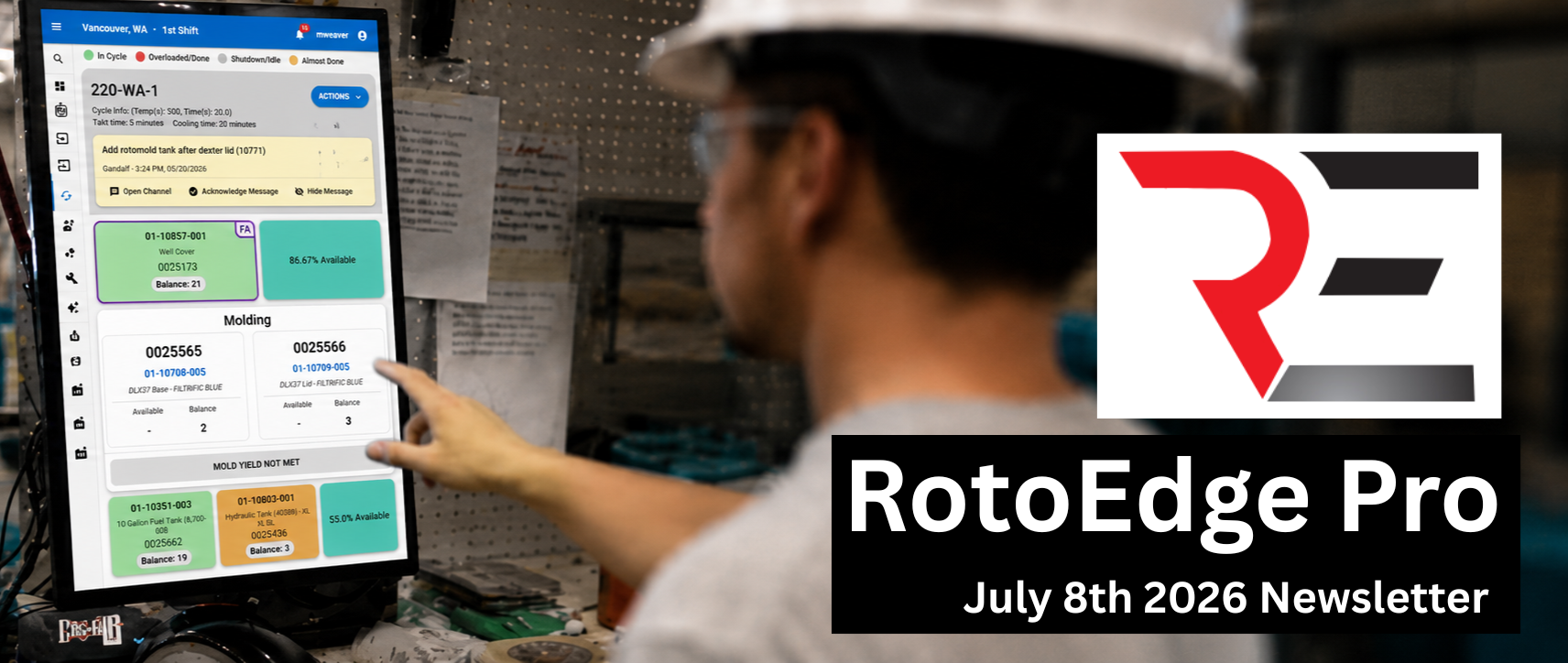
Work Smarter in RotoEdge Pro
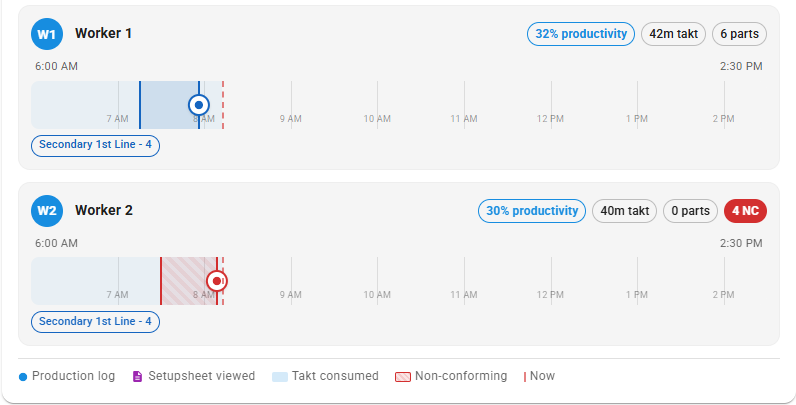
Post Molding Process Overhaul
Operators enter a personnel code before logging, splitting takt/parts across multi-person jobs. Live timelines show each operator’s work in real time across every post-molding lineplan they touch, with takt blocks, conforming/non-conforming markers, and per-shift rolling progress so multi-shift orders track correctly.
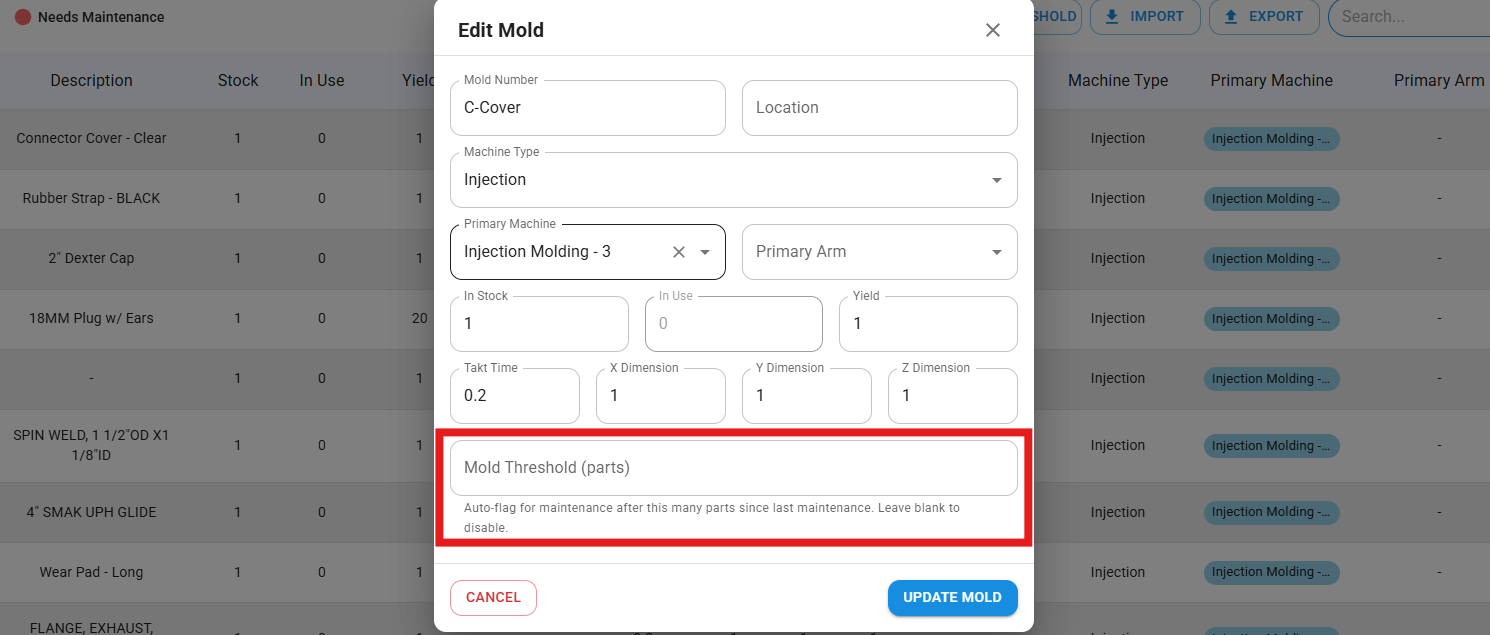
Mold Maintenance Threshold
Set a number of parts a mold can produce before it is automatically marked for maintenance. You can assign thresholds to your preexisting molds, or set the threshold when adding a new one.
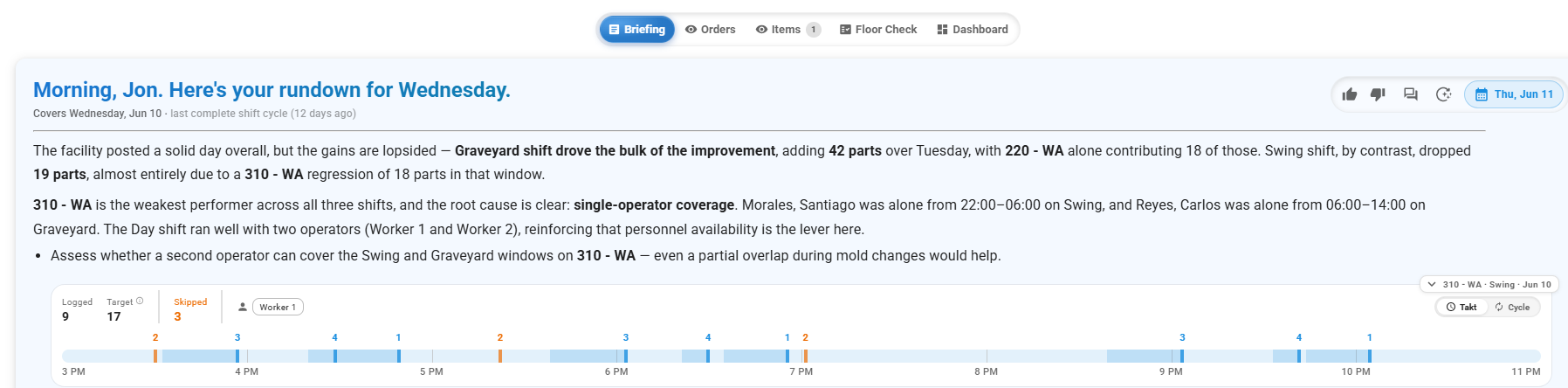
What’s New in RotoEdge
Order Forecasting
A new view that explains why orders are running late and where the holdup is. It replaces the old “this order is behind” signal with a named reason, a concrete location, and in most cases a clear next step.
Upcoming Features
Machine Scheduling Enhancements
The Machine Scheduling page and Gantt chart have been overhauled for speed, now loading instantly. The page layout has also been redesigned to feel less cramped at smaller widths, with a cleaner header and a collapsible arm view. Users can now toggle mold changes on the Gantt on or off. Cycle times and temperatures have a cleaner display above each order on the arm. Drag an order off the Gantt chart to unschedule it. Customizable order labels have been added.
Your success drives everything we do. If there’s a topic you’d like us to cover, a question you’d like answered, or feedback you’d like to share, we’d love to hear from you. Help us create content that better supports your team and your business.