
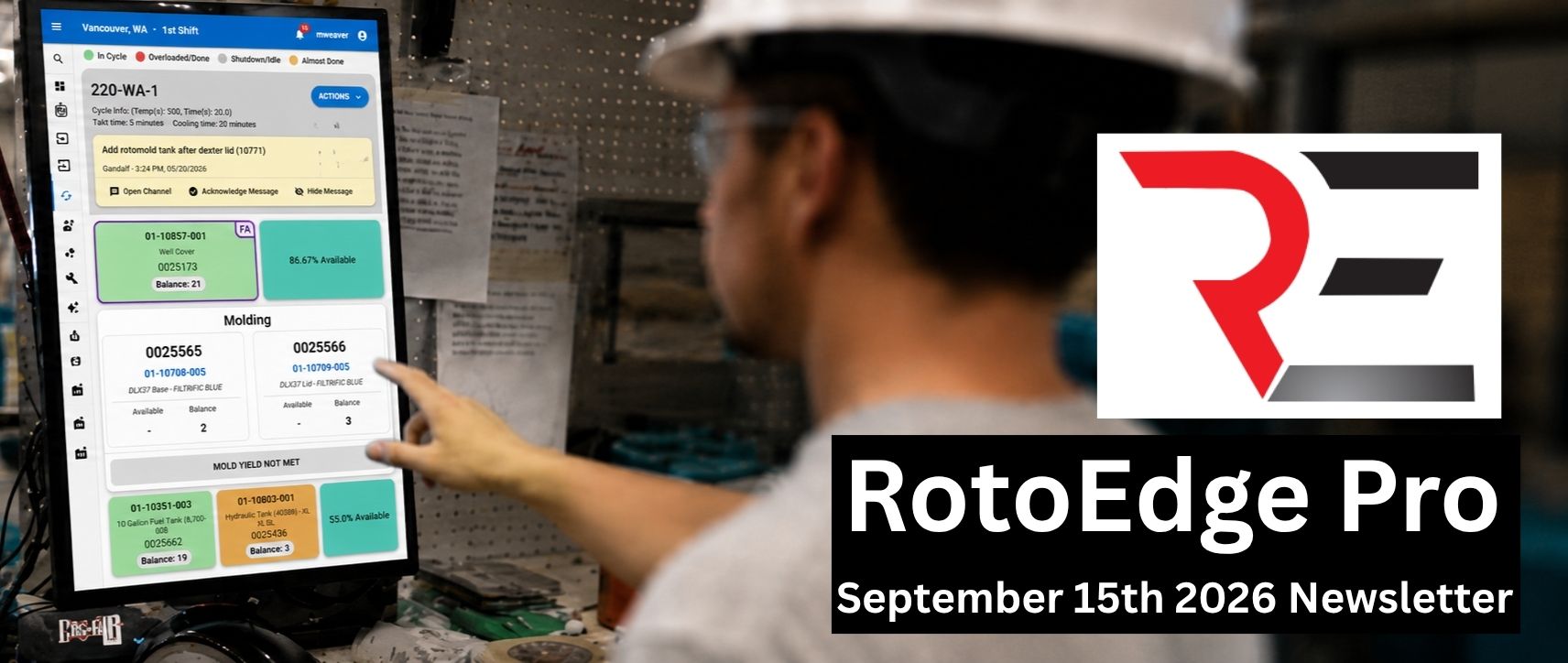
Work Smarter in RotoEdge Pro
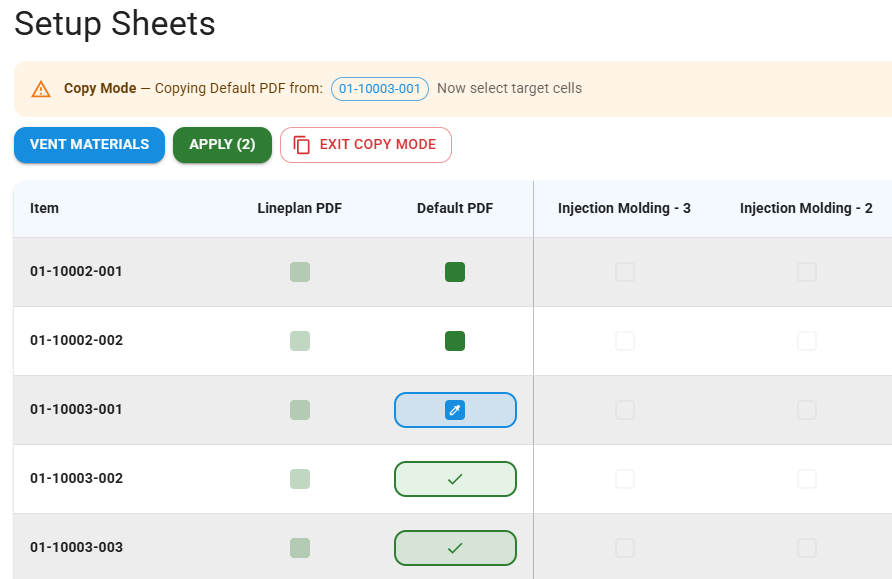
Copy BOM / Setup Sheets
Easily copy setup sheets and BOMs from item to item with the copy mode feature. This will save time not having to import or edit setup sheets and BOMs one at a time.
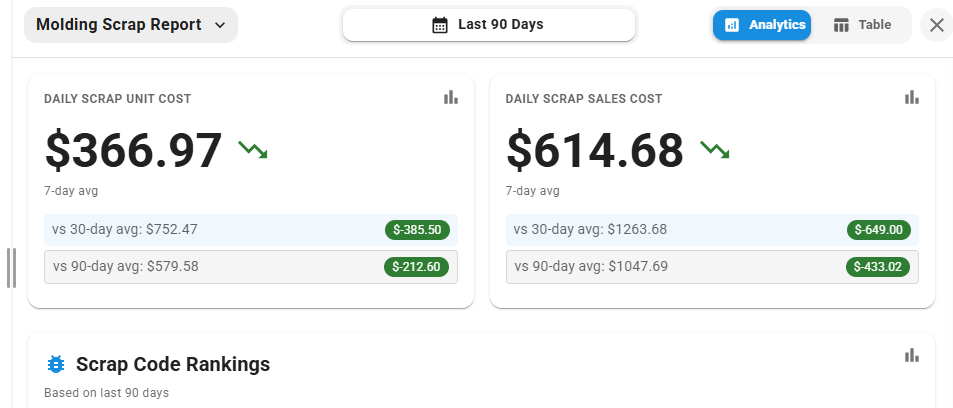
Produce a Personnel Report
The personnel report gives insight to how each employee is performing, attendance, team synergy, and machine proficiency rankings. You can use this report to schedule each employee to the machines and teams they work best with.
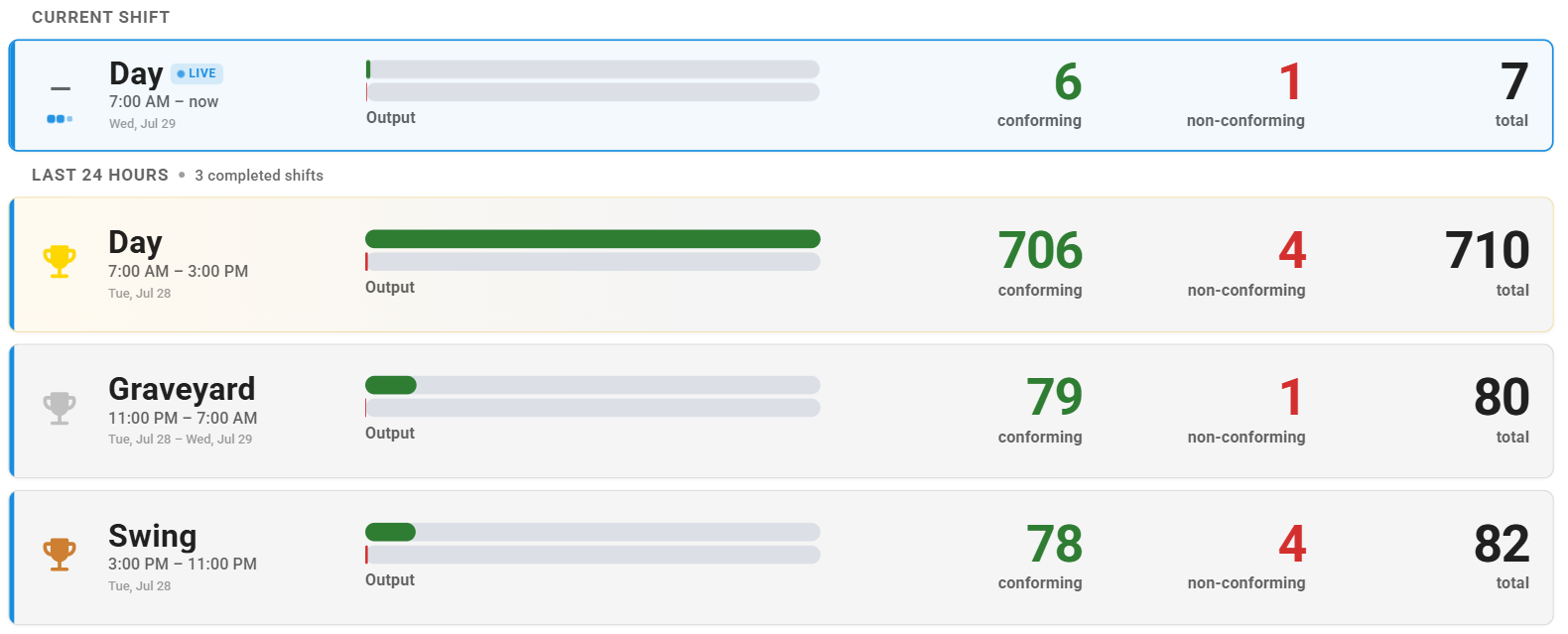
What’s New in RotoEdge
Billboard
You can now import setup sheets by folder instead of uploading them one at a time. Just match the file name in the folder to the item name in RotoEdge and the import will take care of the rest.
Upcoming Features
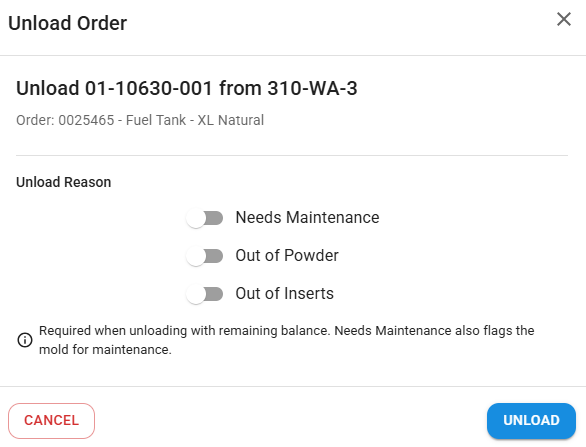
Unloading Mold Reasons
Now when operators unload molds, there is an option to check if the mold was unloaded due to running out of powder, running out of inserts, or if the mold needs maintenance. This will show the supervisors why molds are being changed early.
Your success drives everything we do. If there’s a topic you’d like us to cover, a question you’d like answered, or feedback you’d like to share, we’d love to hear from you. Help us create content that better supports your team and your business.