
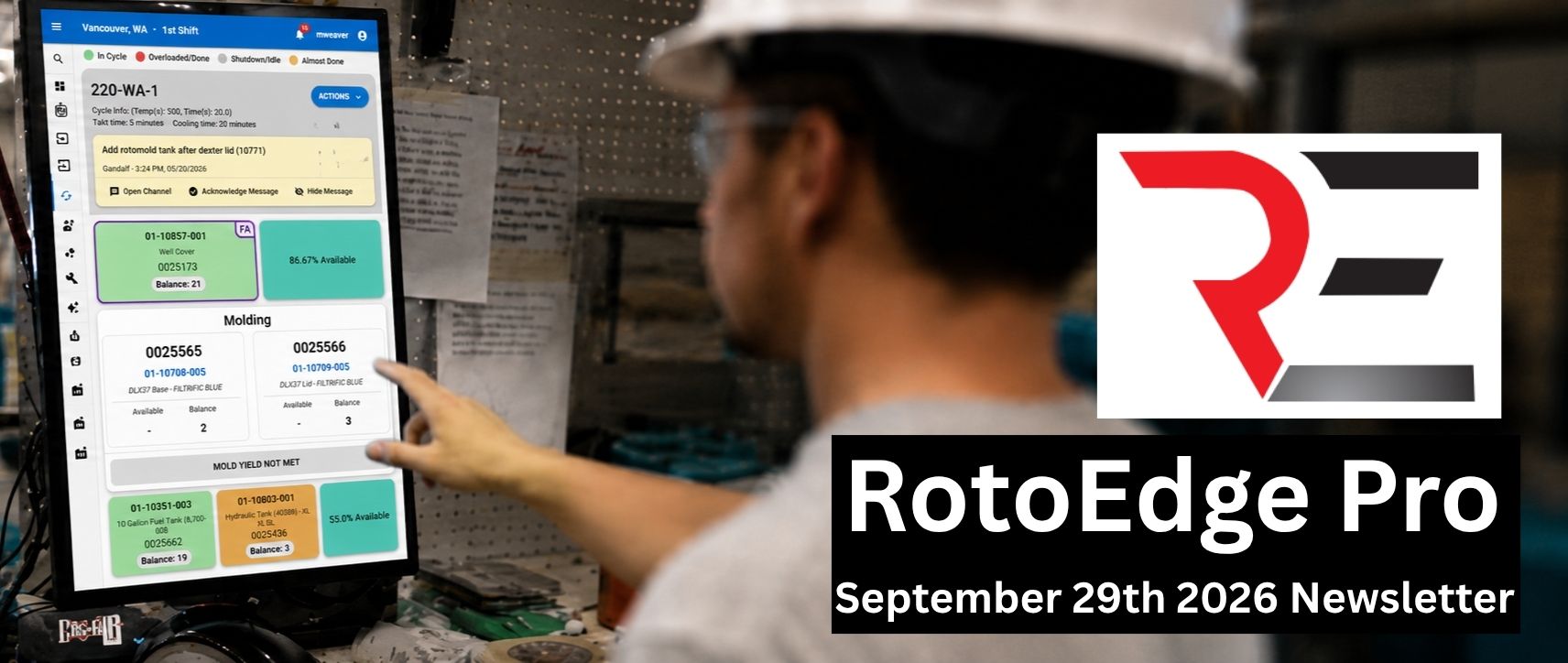
Work Smarter in RotoEdge Pro
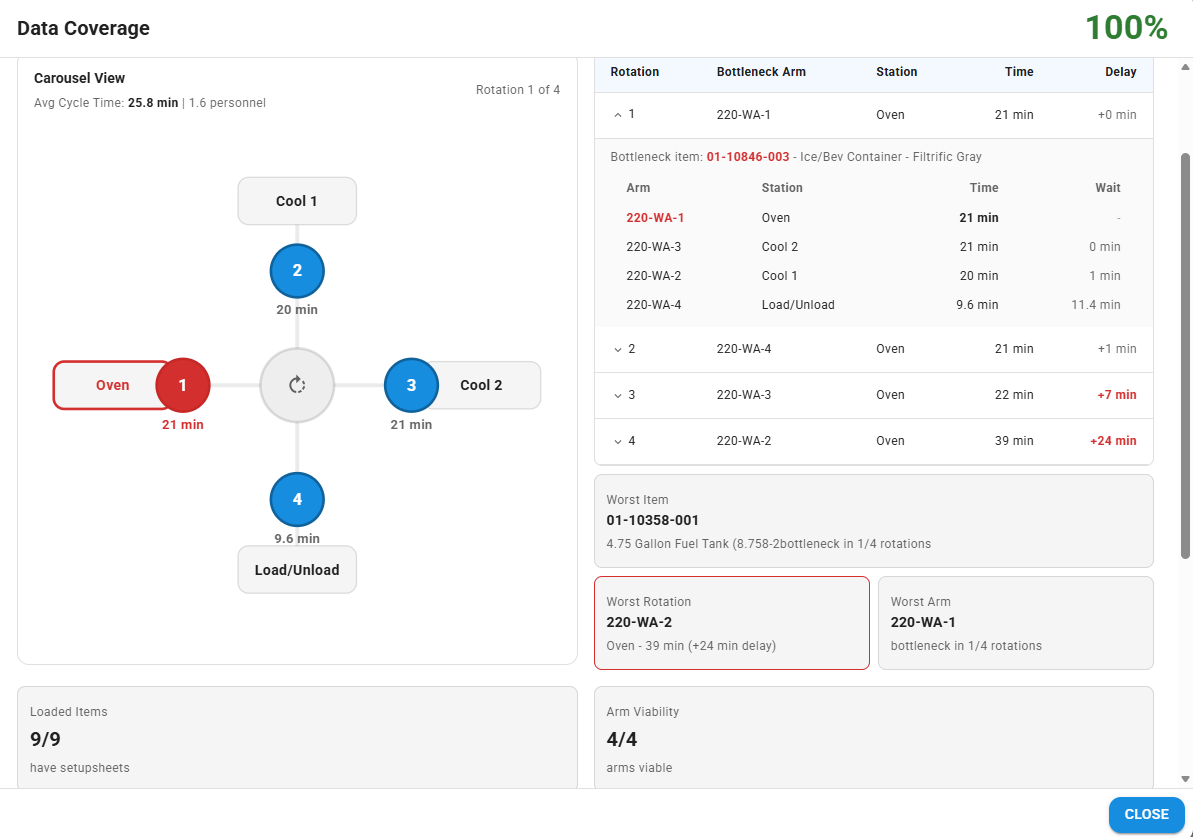
Check Your Facility’s Data Coverage
Want more accurate order forecasts? Start with the Data Coverage audit tool—it makes it easy to see which scheduled items still need setup sheets. The more complete your setup sheet data, the more you can trust the numbers RotoEdge Pro gives you.
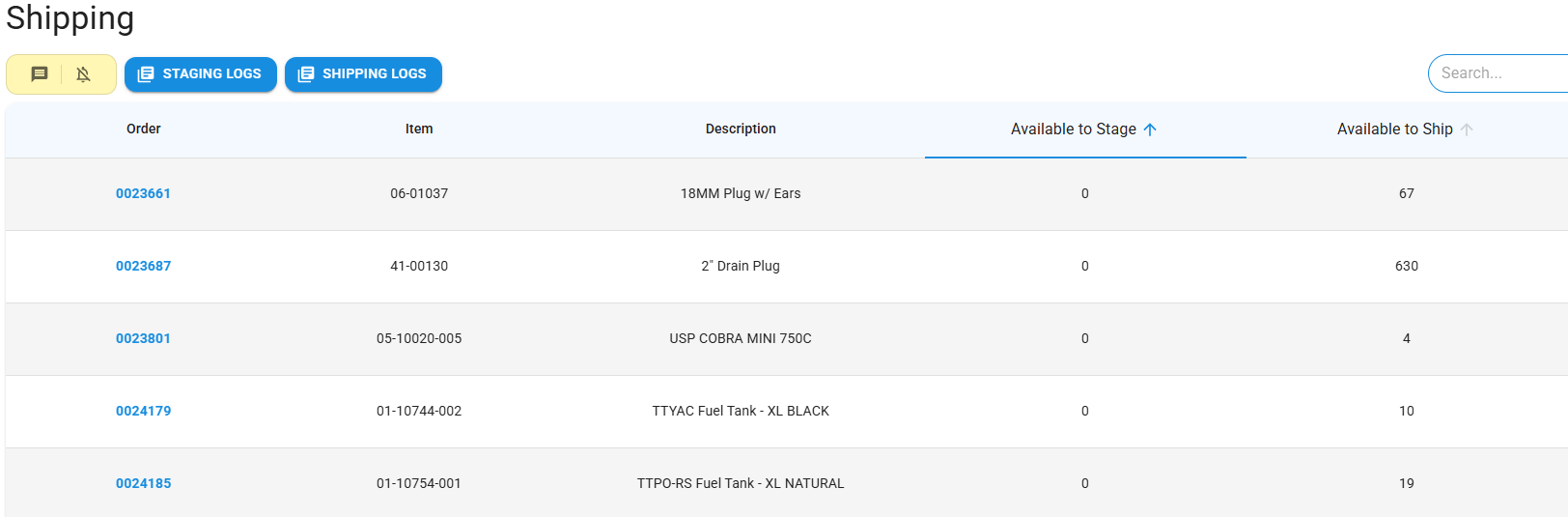
Shipping Page Run Down
The Shipping page shows everything ready to leave your facility, organized into two simple steps: Staging and Shipping. Staging keeps items marked as ready-to-go, while the Shipping step logs the moment an item is loaded onto a truck or leaves the building.
What’s New in RotoEdge
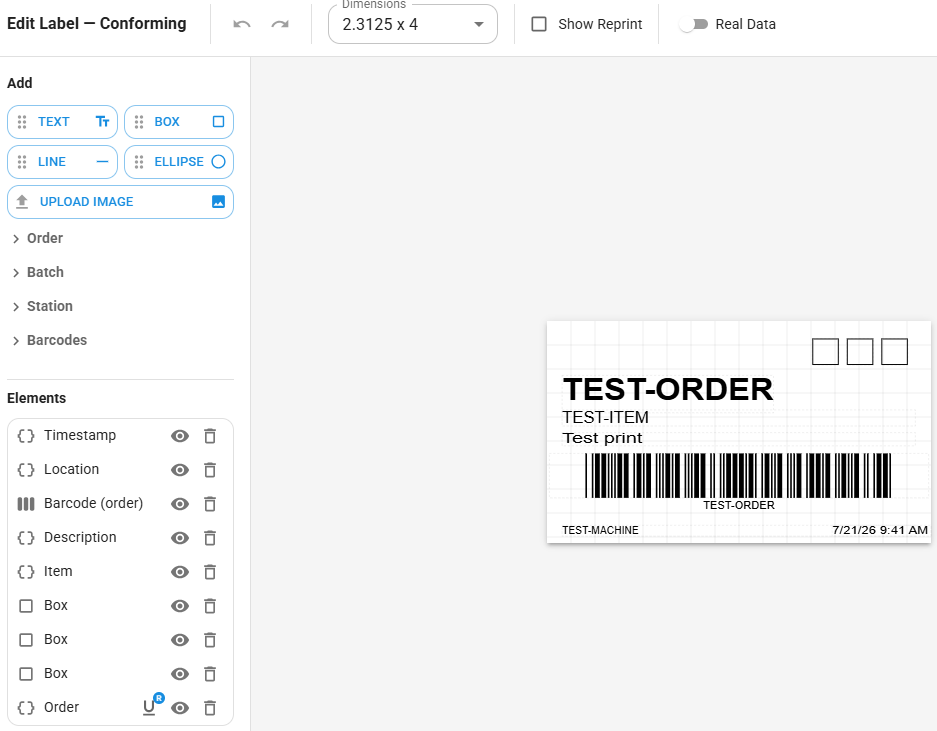
Label Customization
New to RotoEdge this month is the ability to customize production labels. So far you can customize labels for Conforming, Non-Conforming, and Powder labels, with more planned in the future. Check it out in the “Labels” menu under the “Services” tab.
Upcoming Features
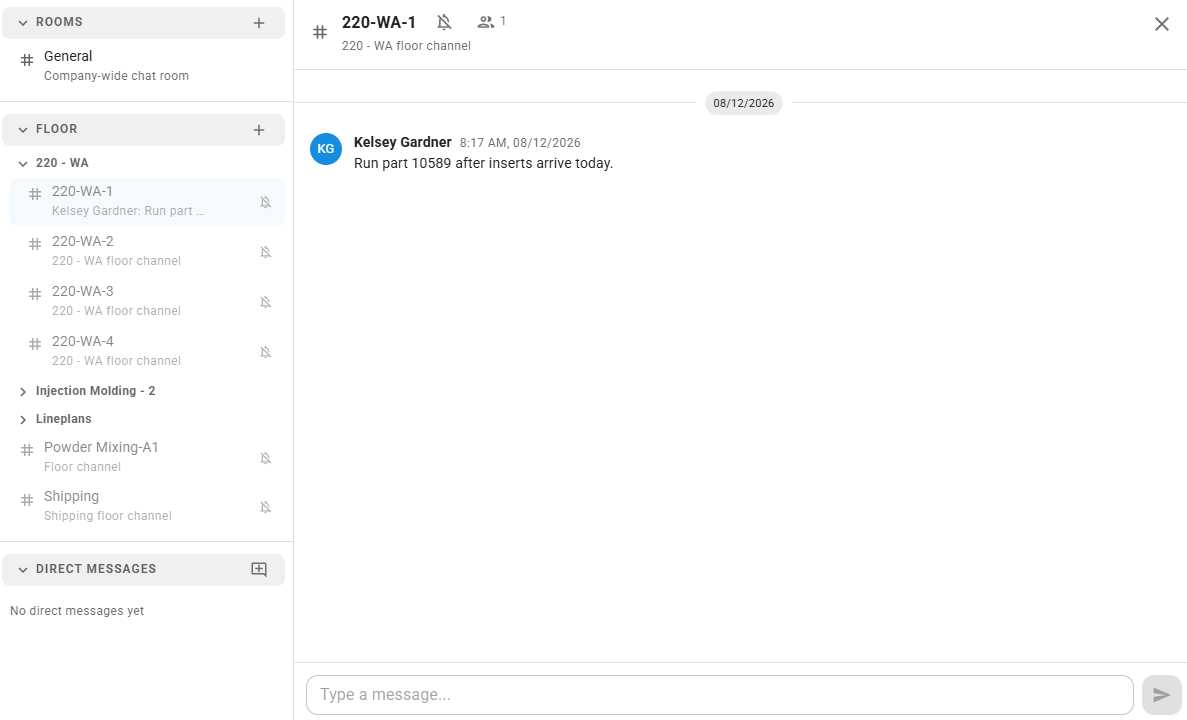
Chat Function
Chat just moved to where the work happens. Every floor surface (arms, line plans, shipping) now has its own chat room, all in one shared sidebar — collapsible sections, follow bells, and per-room read toggles included.
Your success drives everything we do. If there’s a topic you’d like us to cover, a question you’d like answered, or feedback you’d like to share, we’d love to hear from you. Click below and help us create content that better supports your team and your business.